X social media bot: plan a week of posts and summarize mentions
Give one bot the theme. It reads your account's voice, drafts a week of X posts with matching images, schedules them as routines, asks you before every post goes out, and sums up what people said back.
 X
 Krypton AI image modelBuilt in
- RoutinesBuilt in
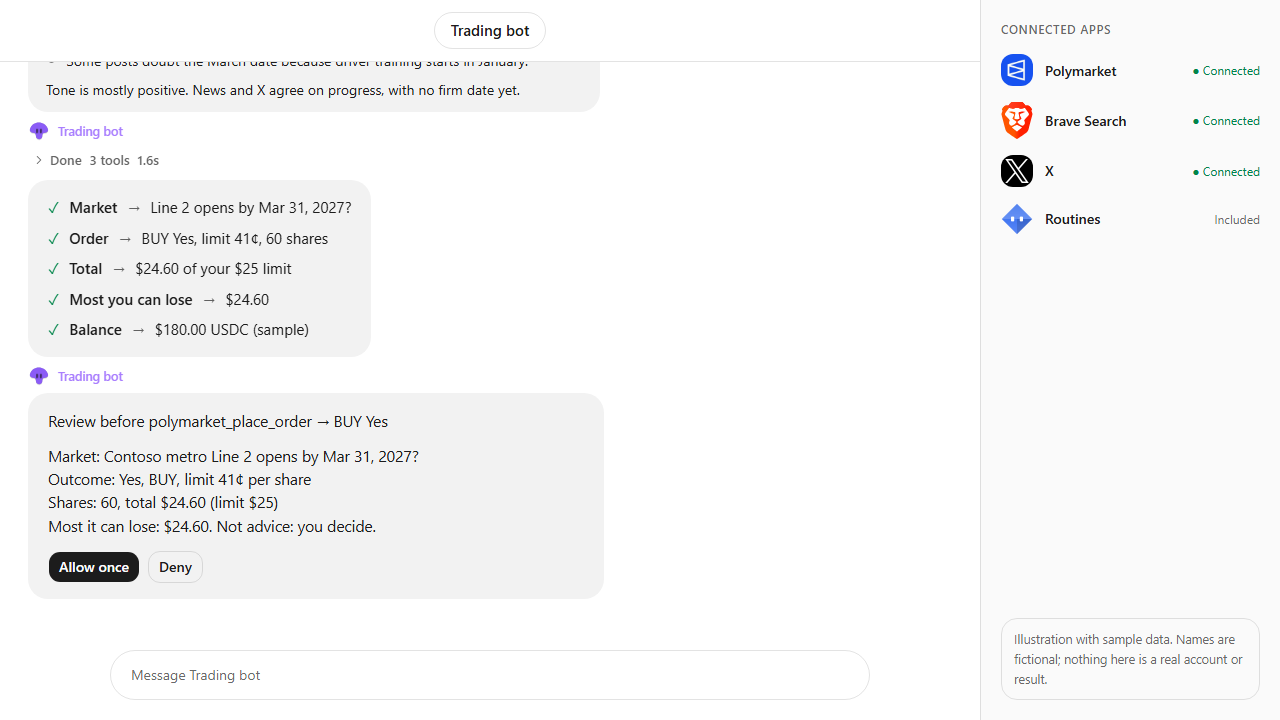
Approvals. X posts always ask first, and so do trading orders unless you set a Binance or Polymarket bot to trade on its own within its limits. Other actions ask only when Approvals are on in Settings; on Never ask, the krypton.bot default, they run without asking.
Apps used
X
Reads your account and recent posts for tone, searches the topic, publishes each approved post and reads replies and mentions.
Krypton AI image modelBuilt in
Draws an image for every post from the bot's brief, ready for you to add.
Included in Krypton, nothing to connect
RoutinesBuilt in
Wake the bot at 9:00 each day so the approved post for that day goes out on time.
Included in Krypton, nothing to connect
How to set it up in Krypton
Connect X
In Krypton, open Integrations, pick X and sign in with the account you post from. Confirm the posting consent: you are the publisher of every post your bots make.
Hire the bot
Open Bot Marketplace and hire the Social media manager, or ask Chief in chat to create a social bot. Give it the X app and allow posting in its rules.
Send the brief
Paste the prompt below and change the brand, theme, time and number of posts. The bot drafts the whole week first and changes anything you ask.
Approve the schedule
Say when you're happy with the drafts. The bot creates one routine per post so each day's post is ready at its time.
Approve each post
When a routine runs, the bot shows the exact text on an approval card. Nothing is posted until you tap Allow once, and you can deny or edit it in chat.
Read the summary
At the end of the week the bot groups replies and mentions into questions, complaints, praise and spam, and drafts replies for you to approve.
Plan a week of X posts for Contoso Bikes' Ride Week: one a day at 9:00, a bike tip each, with an image for every post. Match our usual voice. Show me everything before anything goes out, and summarize replies and mentions at the end of the week.What the bot does
- Reads your X account and a few recent posts to match your voice, then searches the topic on X for what people are asking.
- Drafts seven posts under 280 characters each and draws a matching image for every one with the Krypton AI image model.
- Creates a routine for each post time once you approve the plan.
- Shows the exact post on an approval card at each time and publishes only after you allow it.
- Reads replies and mentions, groups them and highlights the ones that need an answer.
- Drafts replies in your voice and posts a reply only when you approve that exact text.
Questions
Can the bot post on X without asking me?
No. Every post and reply waits for your approval on a card in chat with the exact text, and only if the bot's rules allow posting. You can deny it or ask for changes first.
Does it post the images too?
Krypton's X app publishes text posts, replies and quotes. The bot makes an image for every post and keeps it in chat, so you can add it to the post in X or use it elsewhere.
How does the scheduling work?
The bot creates a routine for each post time. When a routine runs, the bot brings up that day's approved draft and asks you before it posts it.
Can a trading bot use X for news?
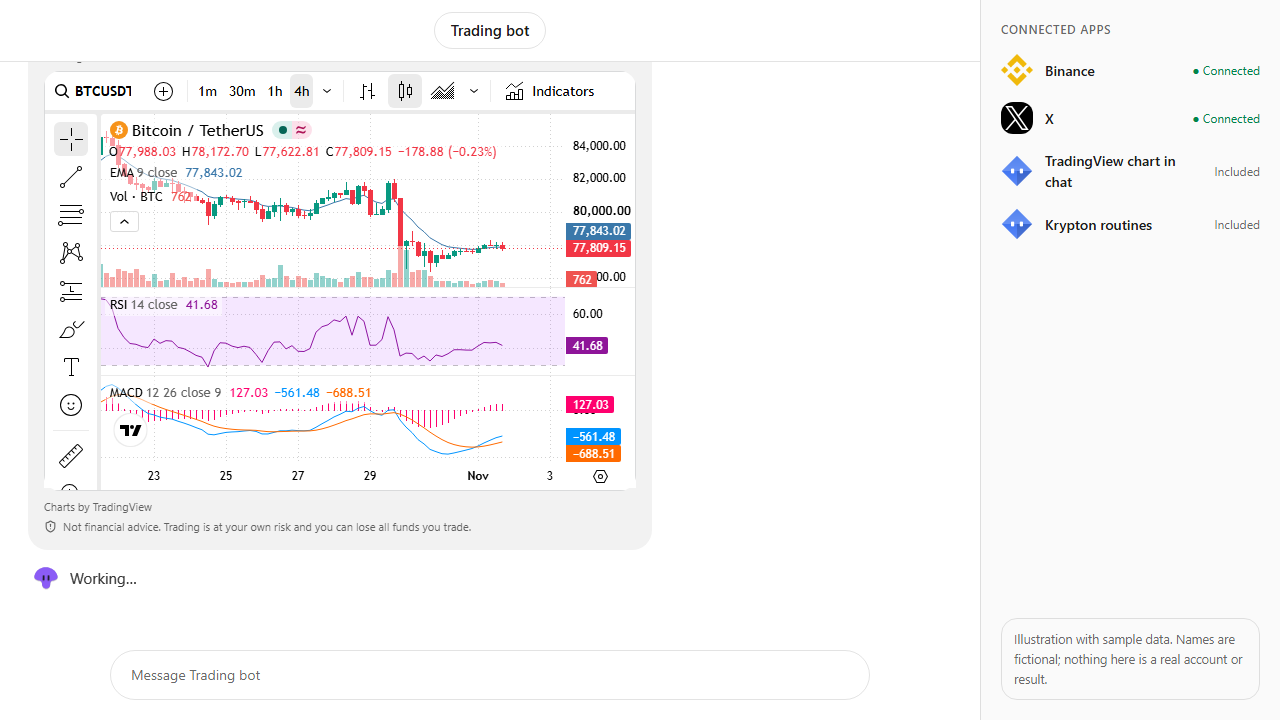
Yes. Give a trading or research bot the X app too and it can search X for posts about a coin or a market (x_search) next to its prices and the built-in TradingView chart. Posting on X always asks first, and so do its orders unless you set that bot to trade on its own within its limits. Nothing it finds is trading advice.
Is the video a real account?
No. It is an illustration with sample data: Contoso Bikes, its handle, the posts and the mention counts are made up to show the flow.
More use cases
All use cases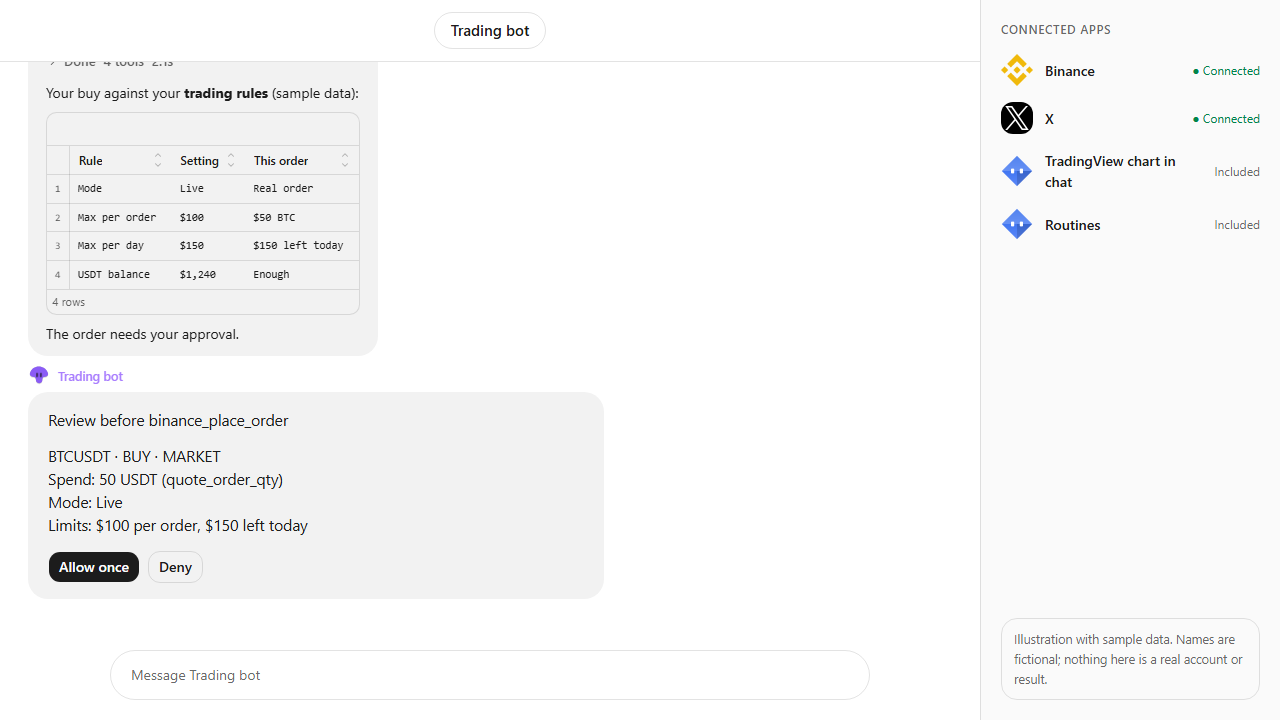
Browse every app in the MCP catalog or hire a ready-made bot from the Bot Marketplace.
Build this bot in Krypton
Start free, connect your apps and paste the prompt. X posts always wait for your OK, and so do trading orders unless you set the bot to trade on its own; turn on Approvals to review everything else first.