Open source, self-hosted Grok Bot alternative
Updated October 12, 2026.
Want a self-hosted, open source Grok Bot alternative? Krypton works entirely through chat. Create a bot, then run it from that same conversation; its routines, memory, and approval boundaries travel with it.
Grok Bot is the hosted xAI product built for this kind of work, offering named bots, routines, approvals, and a computer the bots can use. Krypton is the edition you run yourself: Apache-2.0 source, your own server, and a model key you bring.
- Runs on a server you own
- Your model, your key
- Apache-2.0 source
- Hosted by xAI
- Paid Cursor plans and SuperGrok
- No runnable source

What Grok Bot is
Grok Bot is a hosted xAI product for bots that persist. Its public docs cover named bots, routines, approvals, and a computer the bots share. In the default setup that computer is in the cloud, attached to your account, and every bot on the account shares it, files and logins included. There is also an optional local computer that carries out approved commands on whatever machine you are sitting at. That is not the same as putting the Grok Bot service on your own server, and the docs never explain how to do that.
The model is part of the plan. The Grok Bot docs offer no way to plug in Anthropic, OpenAI, a local model, or a server of your own, and training opt-out is handled through your Cursor account settings. There are desktop apps for macOS, Windows, and Linux, along with iOS and Android.
You pay through a plan rather than a dedicated Grok Bot seat. According to the docs and pricing page referenced here, Grok Bot is part of SuperGrok subscriptions, Cursor Teams, and paid individual Cursor plans; SuperGrok's listed price, $30 a month, covers Grok Bot access. Each plan includes a weekly usage allowance with overage billed on top, and Grok Bot is absent from the free plan on the pricing page.
Two other xAI releases often get confused with the bot. Grok Build, xAI's command-line coding agent, carries the Apache-2.0 license, and so did the Grok-1 model weights released earlier. Neither is the Grok Bot service, and neither gives you a self-hosted Grok Bot.
What Krypton keeps from Grok Bot
Krypton is an open source, self-hosted AI assistant whose bots act as persistent teammates, and it is currently in beta. Every bot holds on to its conversations, memory, routines, and history. It operates a graphical desktop with a browser, terminal, and files, and it can pass a job to another bot or to a short-lived subagent. It runs in the browser, in the Electron desktop app and in the Expo mobile app.
Once it is running, Krypton is just chat, the same way Grok Bot is. You set the bot up and manage it in that chat, starting with an interview where a new bot asks about the work. Routines are Markdown you can read, and they can run on a schedule. When a task crosses a boundary you have set, the bot pauses for approval, and every action goes into an audit log. Optional connectors bring in Telegram, Slack, WhatsApp, Feishu/Lark, or iMessage through Sendblue, but none of them is required.
The differences from Grok Bot are the parts you get to operate. Krypton is Apache-2.0, and you self-host it from the published Docker images or from source; hosted Krypton Cloud is in beta. Connect through a ChatGPT Plus/Pro, Claude Pro/Max, or SuperGrok login, or supply a key for Anthropic, Google, OpenAI, or Vercel AI Gateway; Ollama, LM Studio or another local server also works. Krypton never pays your model bill, and each bot can run its own model. The API never hands back connector credentials, which stay encrypted on your server.
Computers are kept separate from the chat itself. By default bots use Docker on your own machine; remote computers from E2B, Daytona, CreateOS, or Boat are available if you want them. You can also choose a desktop provider that runs on the host, though it is never the default. Team computers are shared and private computers are isolated, the reverse of Grok Bot's single cloud computer shared by every bot on the account.

How to set up Krypton, then just chat
The published images require Docker Engine 26 or later, the Compose plugin, curl, and OpenSSL, and no Node.js. A source checkout needs Docker plus pnpm and a supported Node.js line. From the desktop app you can either install the published images locally or join an existing instance.
On your own computer, open the local web app, sign up, and connect a model. The first person to register owns the deployment, and local Docker computers are on from the start. After that, the product is the chat: no gateway process to keep alive, and no config file to edit when you want to change a bot's routines.
On a server, the installer can pause before startup, so you can set the public HTTPS origin and claim the owner account while the instance is still private. Backups, upgrades, secrets, and restricted networks are all covered in the self-hosting guide. Voice is optional and uses a key you bring for Cartesia, ElevenLabs, Fish Audio, or OpenAI.
Our guide to running Krypton on your own server covers that install, and the blog walkthrough self-hosting an AI agent with Docker goes through the published images step by step. Curious what the hosted plans cost? See Krypton pricing.

Krypton vs Grok Bot, side by side
| Topic | Krypton | Grok Bot |
|---|---|---|
| Source | Apache-2.0, with the full application source on GitHub. | No runnable source is published for the Grok Bot app. Grok Build and the Grok-1 weights do exist as open-source releases, separately. |
| Self-hosting | Run the Docker Compose images, or build from source, on hardware you control. | A cloud computer tied to your account, plus an optional local computer for approved commands. Deploying the service yourself is not described in the docs. |
| Data and computers | The deployment is yours. Team computers are shared and private ones are isolated. The API never returns connector credentials, which are encrypted on your server. | Cloud data storage is required. All bots on an account share a single cloud computer, files and logins included. Training opt-out is governed by your Cursor account settings. |
| Model | Use a ChatGPT Plus/Pro, Claude Pro/Max, or SuperGrok login, or an API key. Providers on the list: Anthropic, Google, OpenAI, Cursor, Vercel AI Gateway, local models (Ollama, LM Studio), and custom servers. Your model bill is never paid by Krypton. | Bundled with SuperGrok subscriptions and paid Cursor plans. Its docs never mention bringing your own model provider. |
| Price | Self-hosting carries no license fee. You pay for your model directly (a ChatGPT, Claude or SuperGrok plan, an OpenAI, Anthropic or xAI key, or nothing with a local model) and for the computer you run. Hosted Krypton Cloud is in beta. | Included in SuperGrok subscriptions, Cursor Teams, and paid individual Cursor plans. SuperGrok's listed price is $30/month, Grok Bot access included. Weekly usage comes with each plan, overage can be charged, and Grok Bot is missing from the free tier on the pricing page. |
| Apps | Web, Electron desktop, and Expo mobile. | Desktop apps for macOS, Windows, and Linux, along with iOS and Android. |
Everything in the Grok Bot column comes from xAI's public Grok Bot docs and its pricing page.
- Grok Bot overview
- Grok Bot FAQ
- xAI pricing
- Grok Build source
- Grok-1 weights
- OpenMausBot
- OpenMausBot docs
- OpenMausBot providers
- OpenMausBot source
- OpenMuse
- OpenMuse source
Self-host Krypton with one installer
Before you start, install curl, OpenSSL, the Compose plugin, and Docker Engine 26+ (published images rely on API 1.45+ so bot home volumes can mount subpaths).
mkdir -p krypton && cd krypton &&
curl -fsSLO https://raw.githubusercontent.com/krypton-bot/kryptonbot/main/infra/compose/install-images.sh &&
bash install-images.sh
Running it locally? Visit http://127.0.0.1:5173, sign up, and connect a model. That address only works on the machine running Krypton, and local Docker computers are switched on by default.
Running it on a server? Start the installer with --prepare-only, set your public HTTPS origin, and create the owner account while nobody else can reach the instance; the self-hosting guide walks through it. Prefer a desktop app? It can install the stack locally or hook into a Krypton instance that is already up.
Other Grok Bot alternatives
Our alternatives roundup covers hosted assistants and open source agents alike. For the three you run yourself, read OpenClaw vs Hermes Agent vs Krypton; for libraries as well as apps, see our 2026 pick of open source AI agents.
Meta's hosted agent, launched September 8, 2026, running on a virtual machine Meta controls. You reach it through the Muse app or WhatsApp.
Always-on agents for eligible ChatGPT plans, announced September 29, 2026. According to OpenAI, every dot has a cloud computer of its own.
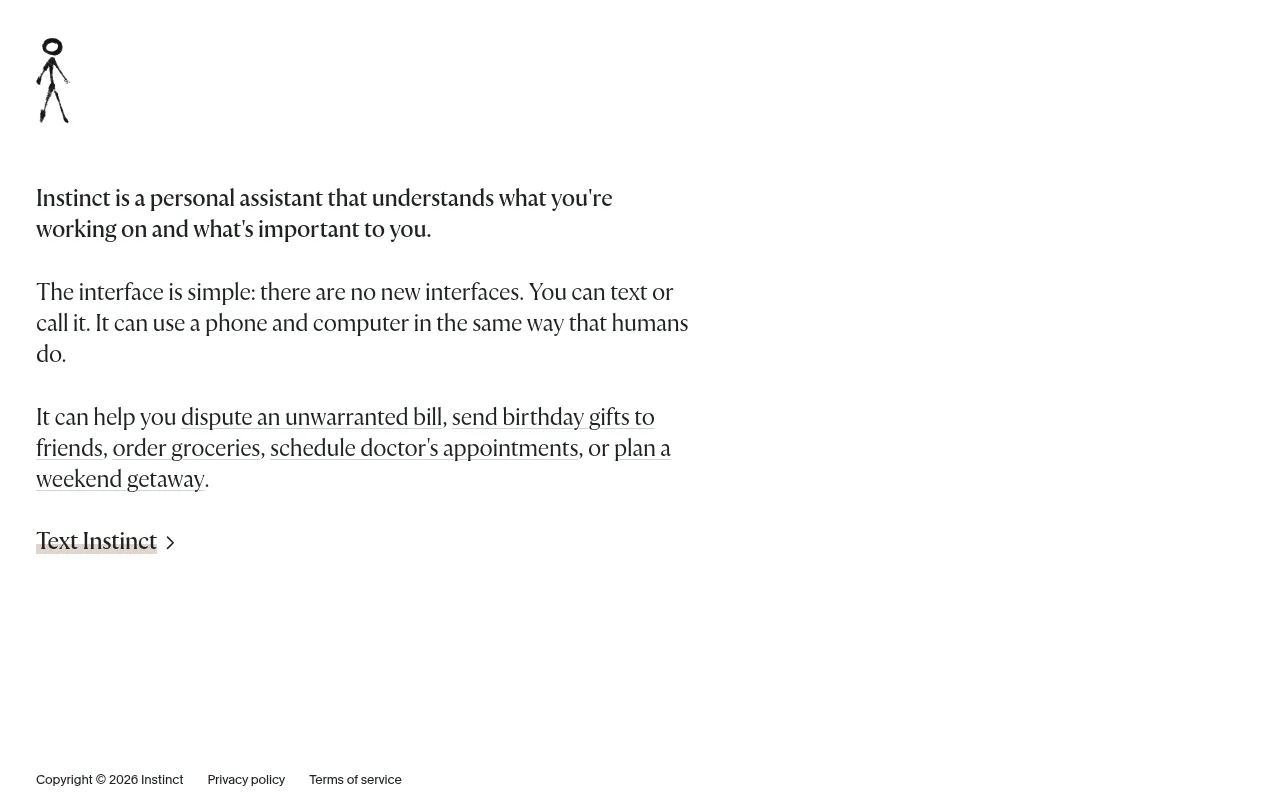
The hosted assistant at instinct.com, reached by text or phone call and operated by Spear Street Technology, Inc.
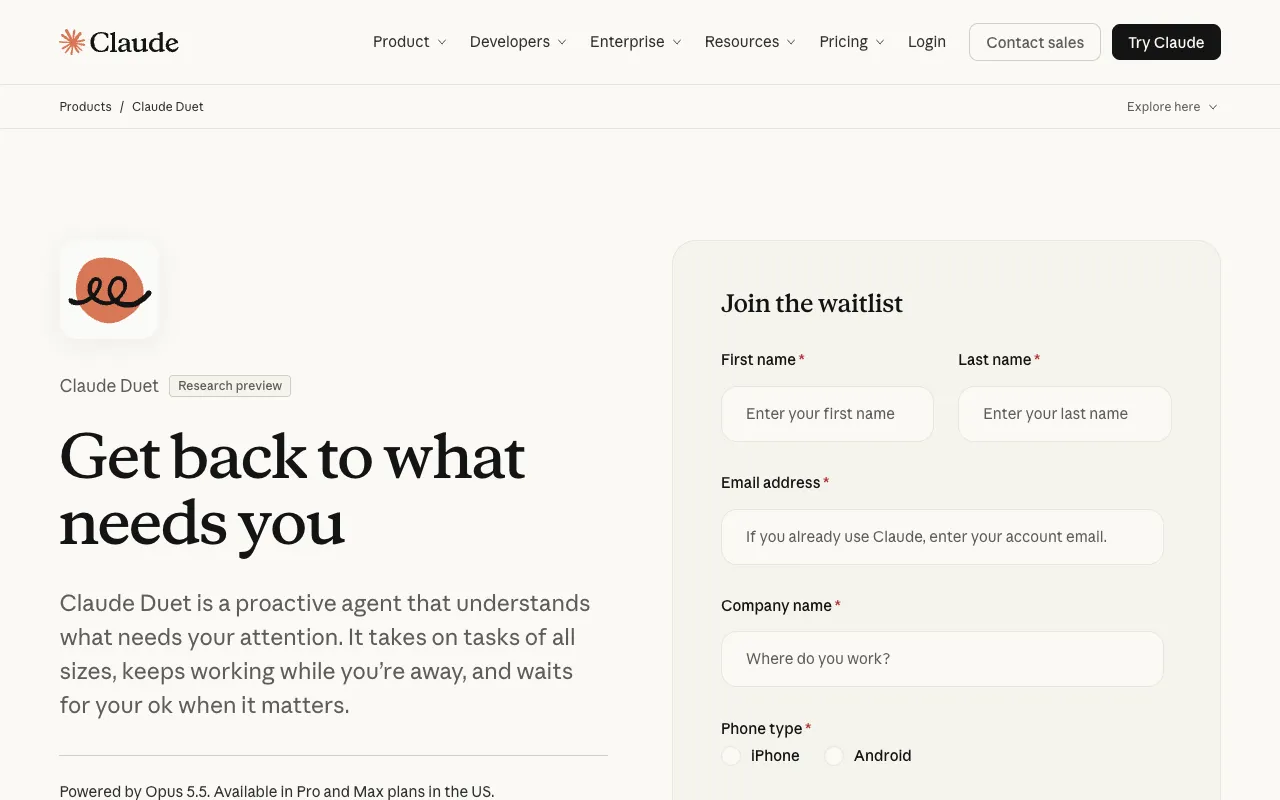
Anthropic's proactive personal agent, a research preview since October 21, 2026. Anthropic runs the cloud computer it works on, and US subscribers get it with Claude Pro and Max.
A hosted personal agent that went live at hark.com on October 6, 2026. It has a free tier; $20 a month doubles usage and $100 a month gives ten times as much.
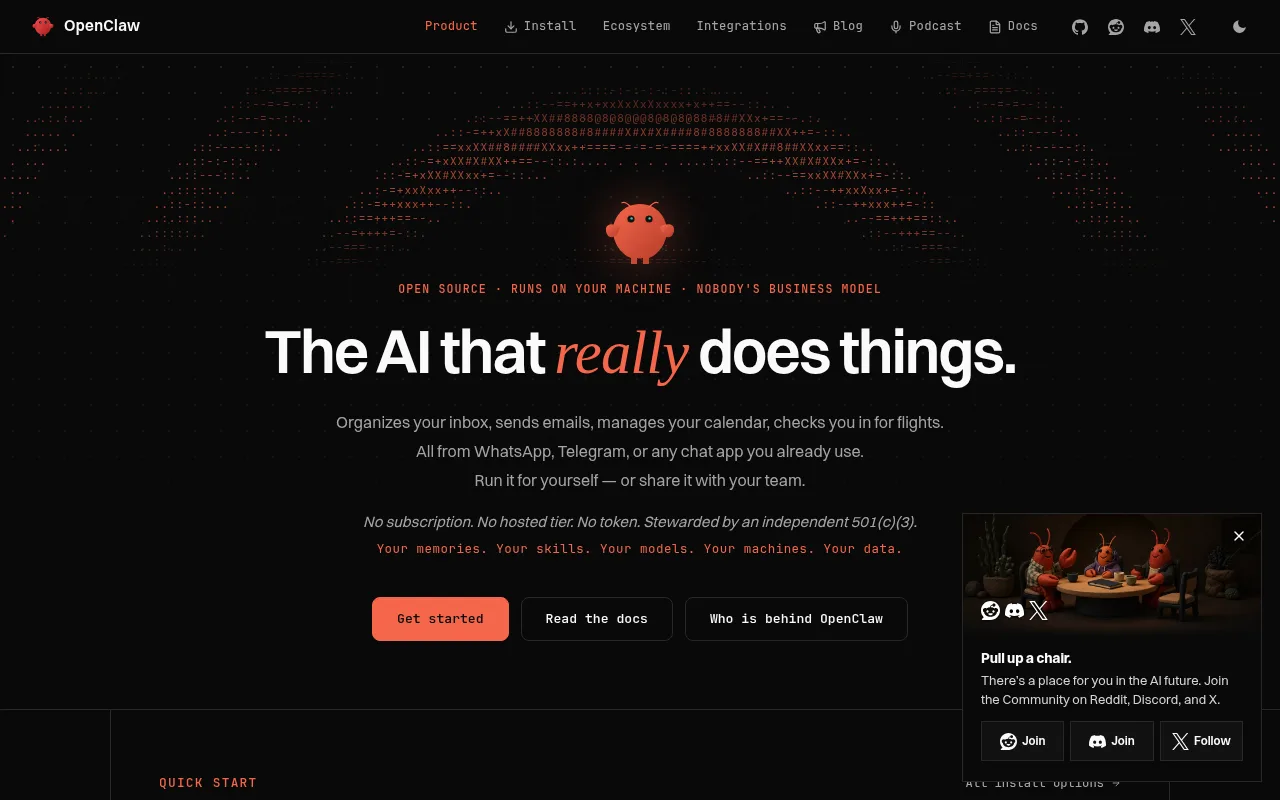
MIT-licensed and self-run; its docs also call for a Gateway and a config file.
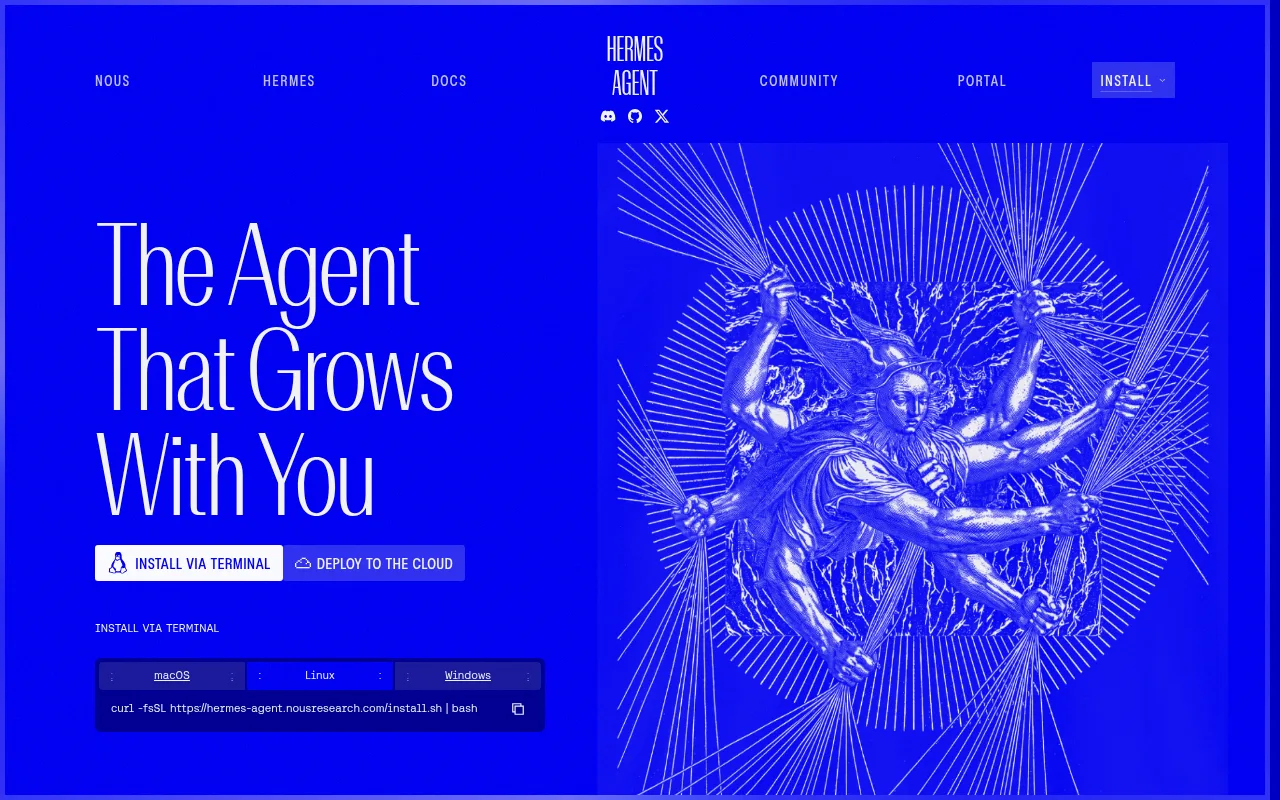
Nous Research's agent under the MIT license, pairing a desktop app with a separate messaging gateway.
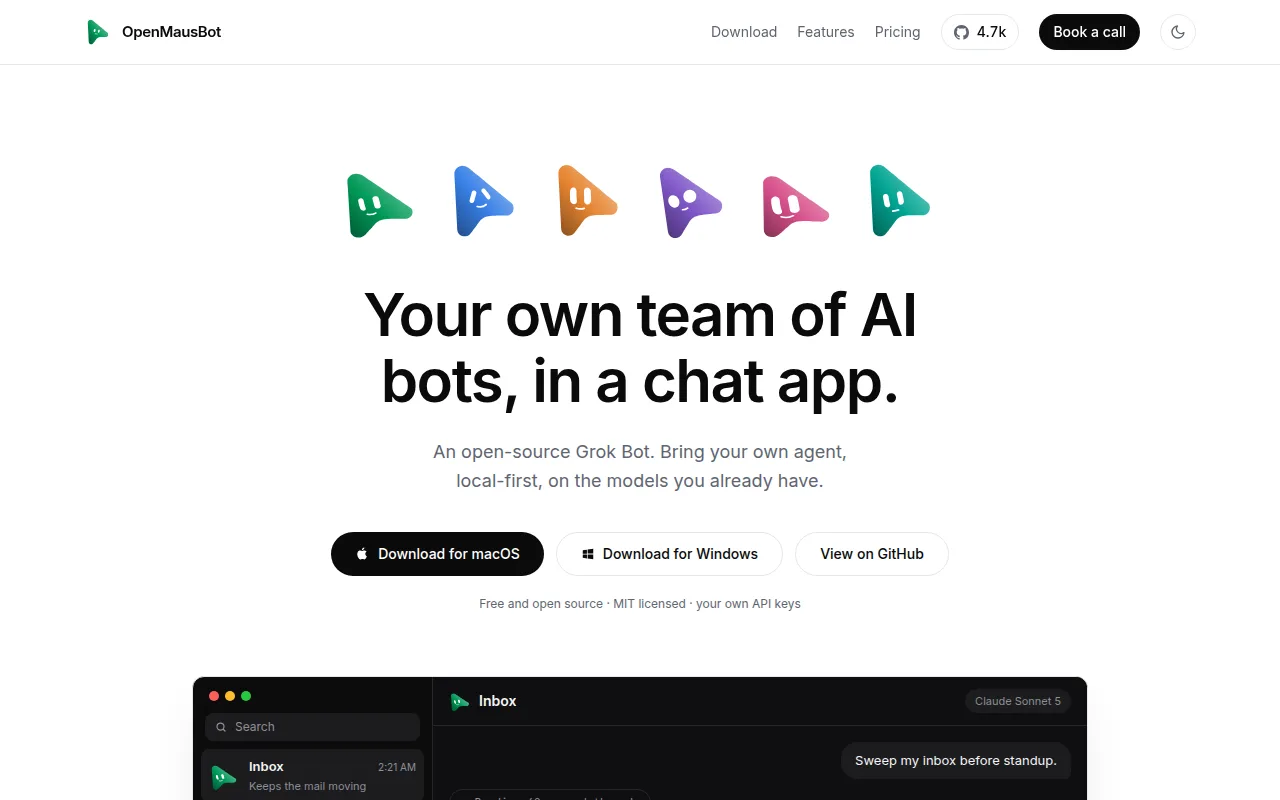
A desktop app for macOS, Windows, and Ubuntu under Apache-2.0. Per its docs, bots either drive a signed-in agent CLI or call Mistral with an API key and no CLI, and application data never leaves your machine.
CopilotKit's MIT-licensed personal agent pairs chat with a browser that persists and, optionally, a Linux terminal. According to the project site, all three already work in the alpha.


All comparisons — The 2026 roundup, with licenses, prices, and setup in one table.
Grok Bot alternative FAQ
Is Grok Bot open source?
The hosted Grok Bot teammate app has no published source you could run. Some other xAI projects are open, though: Grok Build (a coding-agent CLI) uses Apache-2.0, as did the earlier Grok-1 model weights. Neither is the Grok Bot service. Krypton is Apache-2.0, with the application source public on GitHub.
Can I self-host Grok Bot?
Per its docs, Grok Bot gives your account a cloud computer, plus an optional local computer where a bot executes approved commands on the device you are using. Nothing explains how to put the service on a server of your own. Krypton, on the other hand, can be self-hosted.
How is Krypton different from Grok Bot?
Each gives you persistent bots that operate a computer, log in to tools, keep context, and follow routines. With Grok Bot, xAI hosts the computer, and access comes bundled with paid Cursor plans and SuperGrok subscriptions. Krypton is open source: host it yourself or use Krypton Cloud (beta), pick the model, and keep team computers separate from private ones.
Is Krypton just chat, like Grok Bot?
Yes, once it is installed. Register, plug in a model, and run the bot from its chat, beginning with the interview a new bot runs. Routines, memory, and approval boundaries stay attached to the bot. Krypton is that chat plus a computer you run, and Grok Bot is likewise a chat for named bots; what differs is who hosts the service and who chooses the model.
Can Krypton use the Claude Pro/Max or ChatGPT Plus/Pro plan I already pay for?
Yes. Sign in with ChatGPT Plus/Pro, Claude Pro/Max, SuperGrok, X Premium or GitHub Copilot, and that subscription pays for the model. You can also paste an OpenAI, Anthropic or xAI (Grok) API key, or connect an OpenAI-compatible server on your own machine such as Ollama or LM Studio. Krypton never covers the model bill; that stays between you and ChatGPT, Claude, Grok, Copilot or whichever service you use.See all supported providers
What are the other alternatives?
The hosted assistants are Hark Pro, Claude Duet, Instinct, OpenAI Dots, and Meta Muse. Hermes Agent and OpenClaw are open source and run on your own hardware, and their docs involve a gateway and a config file. OpenMausBot is a desktop app under Apache-2.0 whose docs say bots either drive a signed-in agent CLI or call Mistral with an API key and no CLI, with application data staying on your machine. OpenMuse, CopilotKit's MIT-licensed personal agent, combines chat, a browser that persists, and an optional Linux terminal, all working in the alpha. The comparisons page puts licenses, prices, and setup side by side, and none of these tools imports a Grok Bot account.