Meta Ads marketing bot: plan, create and launch a campaign
Give one bot the brief. It plans the campaign, makes the image with Krypton AI and a short video with Higgsfield, builds the audience and budget in Meta Ads, and asks you before anything can spend.
 Meta Ads
 Higgsfield
 Krypton AI image modelBuilt in
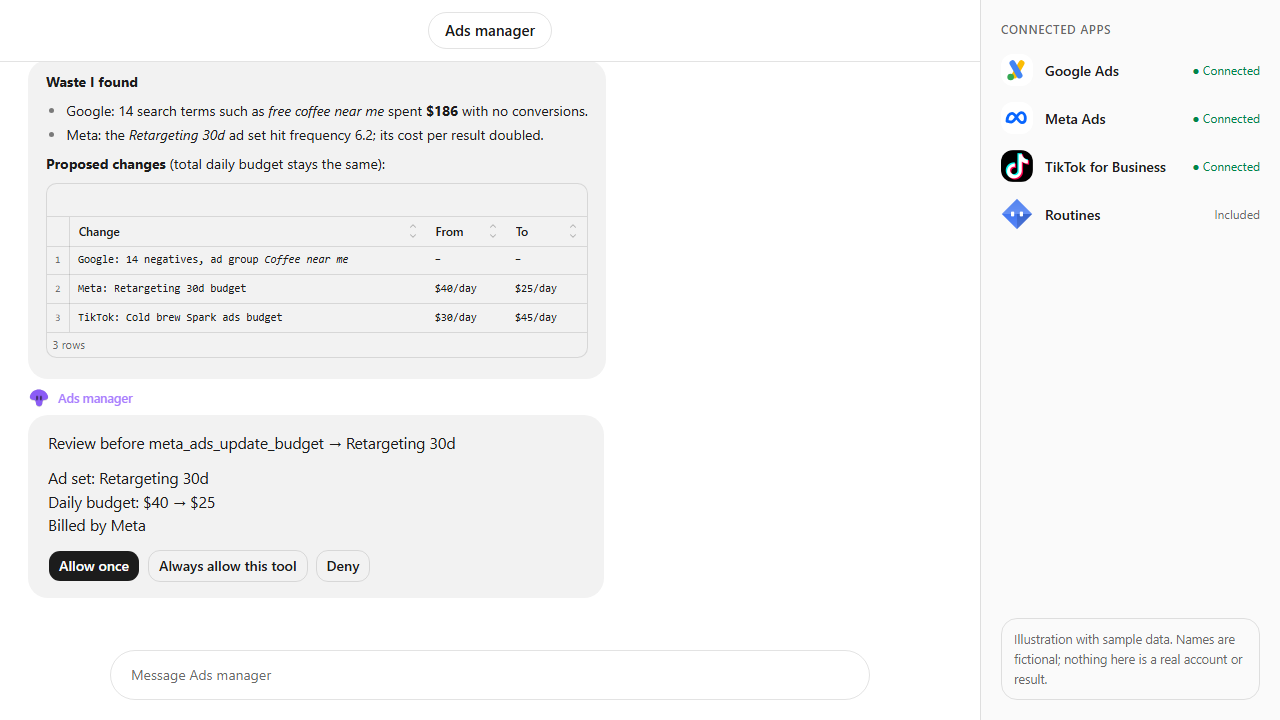
Approvals. X posts always ask first, and so do trading orders unless you set a Binance or Polymarket bot to trade on its own within its limits. Other actions ask only when Approvals are on in Settings; on Never ask, the krypton.bot default, they run without asking.
Apps used
Meta Ads
Finds the ad account and Page, builds the audience, creates the campaign paused and launches it after your approval.
Higgsfield
Makes the short vertical video for Reels and Stories, with your own Higgsfield account and credits.
Krypton AI image modelBuilt in
Draws the square image creative from the bot's brief.
Included in Krypton, nothing to connect
How to set it up in Krypton
Connect Meta Ads
In Krypton, open Integrations, pick Meta Ads and sign in with the Facebook account that manages your ad account. Confirm the ad spend consent: your bots can create campaigns that spend from your ad account, and Meta bills you.
Connect Higgsfield
Pick Higgsfield in Integrations and sign in with your own Higgsfield account. Videos use your Higgsfield credits. Skip this step if you only want image ads.
Hire the bot
Open Bot Marketplace and hire the Ads manager (or the Social media manager), or ask Chief in chat to create an ads bot. Give it the Meta Ads and Higgsfield apps.
Send the brief
Paste the prompt below and change the product, area, budget and dates. The bot builds everything paused and shows you a summary first.
Approve the launch
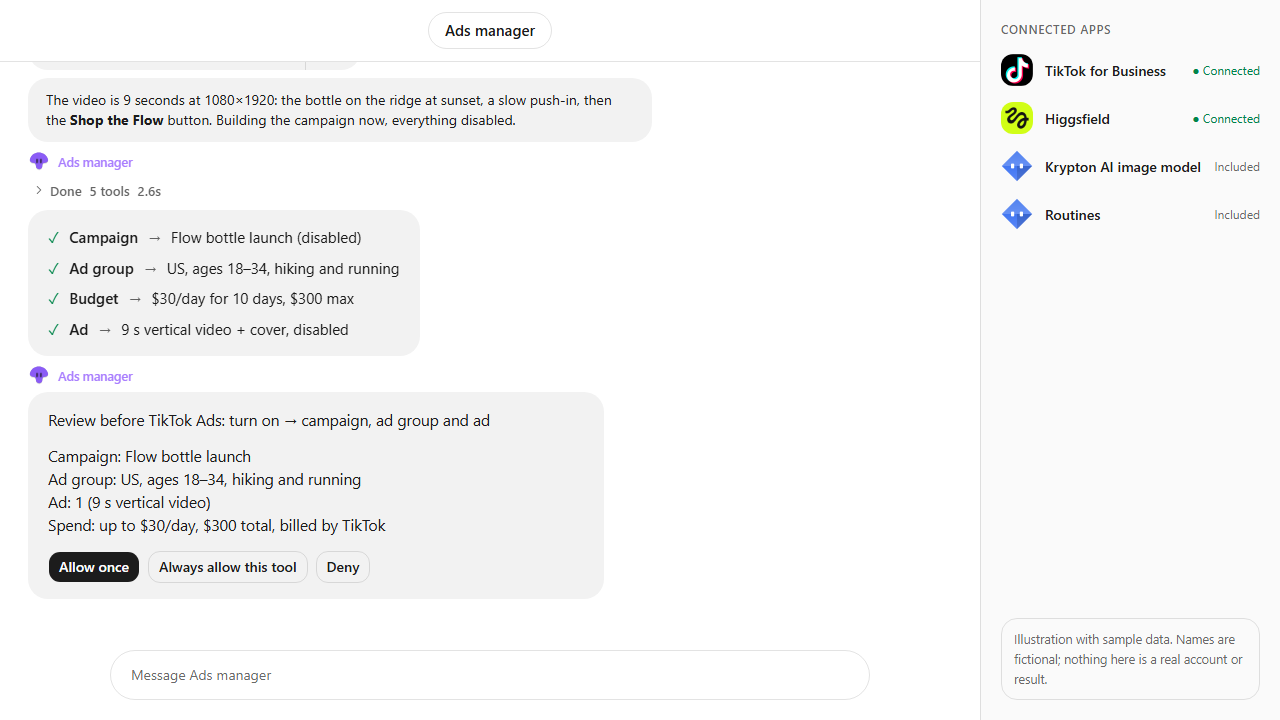
With Approvals on in Settings, nothing spends until you tap Allow once on the approval card. You can also deny it, or change the budget in chat first.
Add a daily report
Ask the bot for a routine, such as a spend and results report every morning at 9:00, so it checks in without you asking.
Launch a Meta Ads campaign for Northwind Coffee's new oat-milk cold brew. Make a square image and a 6-second vertical video, target coffee lovers aged 25 to 45 within 5 km of our shop, $20 a day for 7 days. Ask me before anything spends.What the bot does
- Reads your ad accounts and Facebook Pages, then finds the location and interest targeting ids.
- Estimates the audience size before it builds anything.
- Draws the image creative with the Krypton AI image model and asks Higgsfield for a short vertical video.
- Uploads both, then creates the campaign, ad set, creatives and ads, all paused.
- Shows a preview and a summary of budget, schedule and audience.
- Asks for your approval before it sets anything to active, then confirms the launch and reports results on a schedule.
Questions
Can the bot spend money without asking me?
No. Campaigns, ad sets and ads are created paused. The bot sets them active only after you say yes in chat (with Approvals on, also on a card), and you can say no.
Who makes the image and the video?
The image comes from the Krypton AI image model. The video comes from Higgsfield, connected with your own Higgsfield account, so it uses your Higgsfield credits.
Is the video a real campaign?
No. It is an illustration with sample data: Northwind Coffee is fictional, and the audience and results numbers are made up to show the flow.
Which plan do I need?
Ad platforms and Higgsfield connect through Krypton Cloud. Check each app's catalog page for the plans that include it.
More use cases
All use cases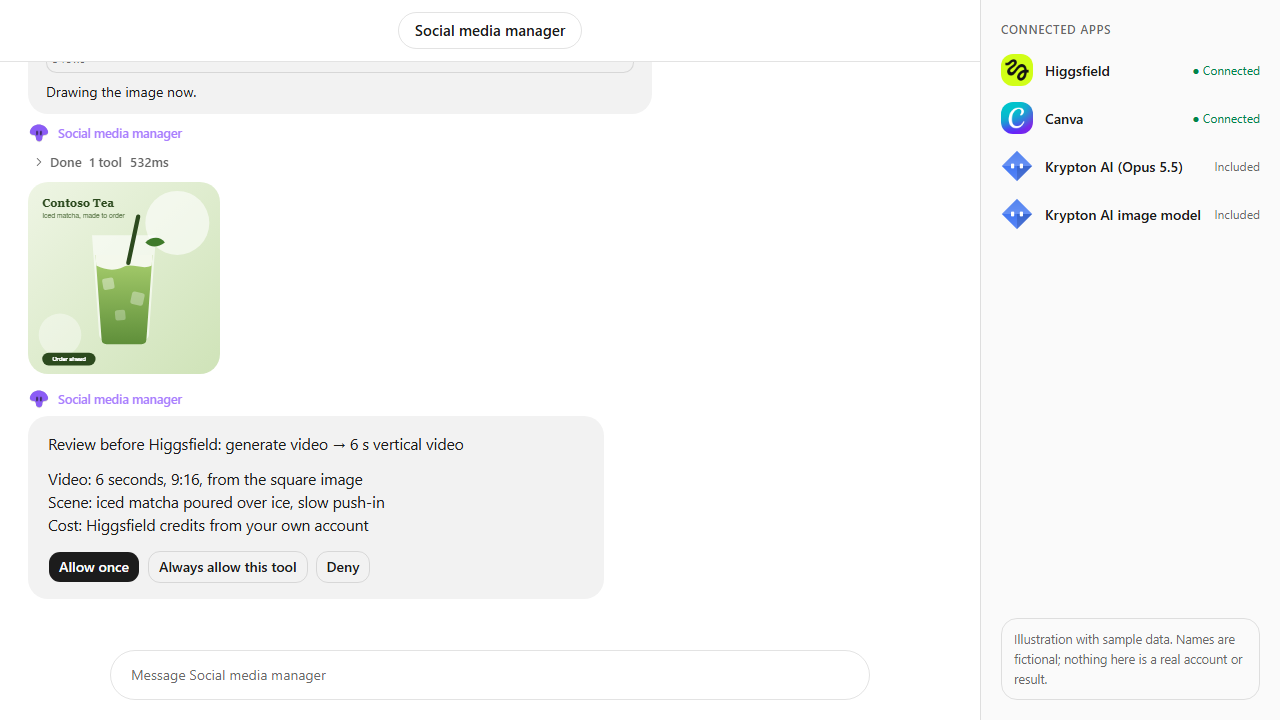
Browse every app in the MCP catalog or hire a ready-made bot from the Bot Marketplace.
Build this bot in Krypton
Start free, connect your apps and paste the prompt. X posts always wait for your OK, and so do trading orders unless you set the bot to trade on its own; turn on Approvals to review everything else first.