Cross-channel ads report bot: Google, Meta and TikTok every week
One routine, three ad platforms. Every Monday the bot pulls last week's numbers from Google Ads, Meta Ads and TikTok, puts them in one table, spots where money is wasted and proposes budget shifts. Nothing changes until you approve it.
 Google Ads
 Meta Ads
 TikTok for Business
 RoutinesBuilt in
Approvals. X posts always ask first, and so do trading orders unless you set a Binance or Polymarket bot to trade on its own within its limits. Other actions ask only when Approvals are on in Settings; on Never ask, the krypton.bot default, they run without asking.
Apps used
Google Ads
Reports campaign cost and conversions for both weeks, finds search terms that spend without converting and adds them as negatives after your approval.
Meta Ads
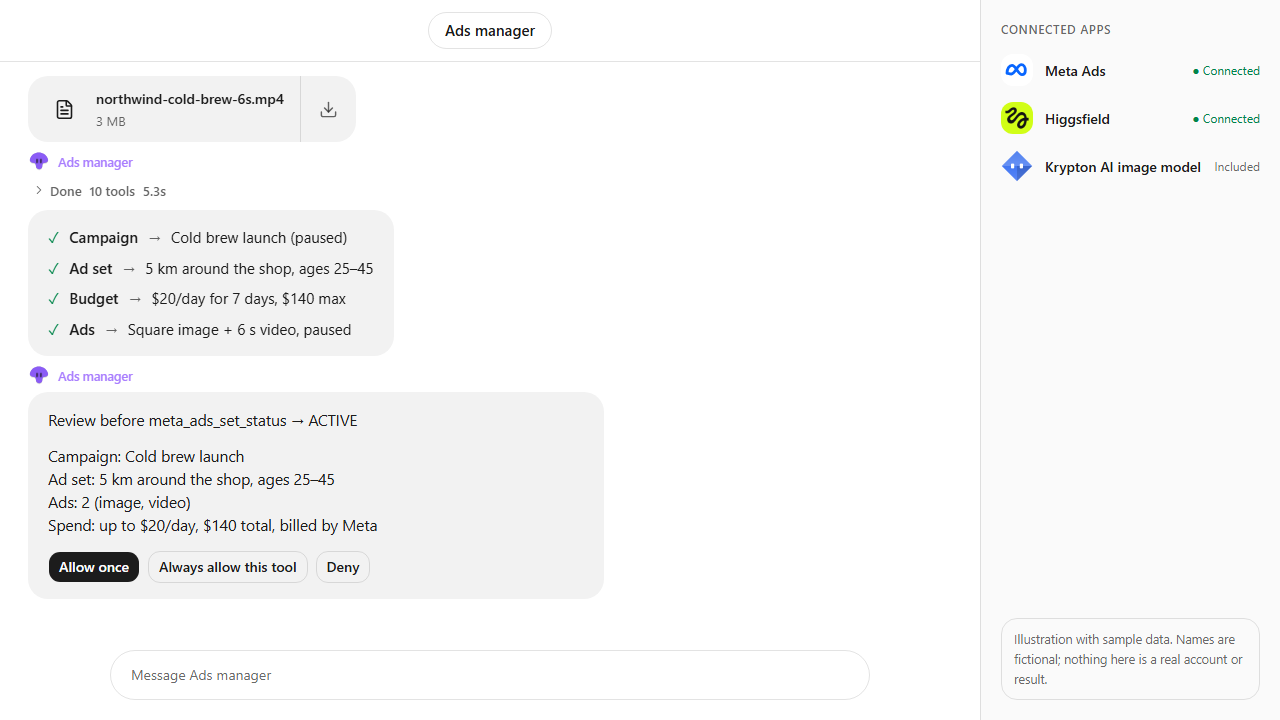
Reports ad set spend, frequency and cost per result, and lowers a tired ad set's budget after your approval.
TikTok for Business
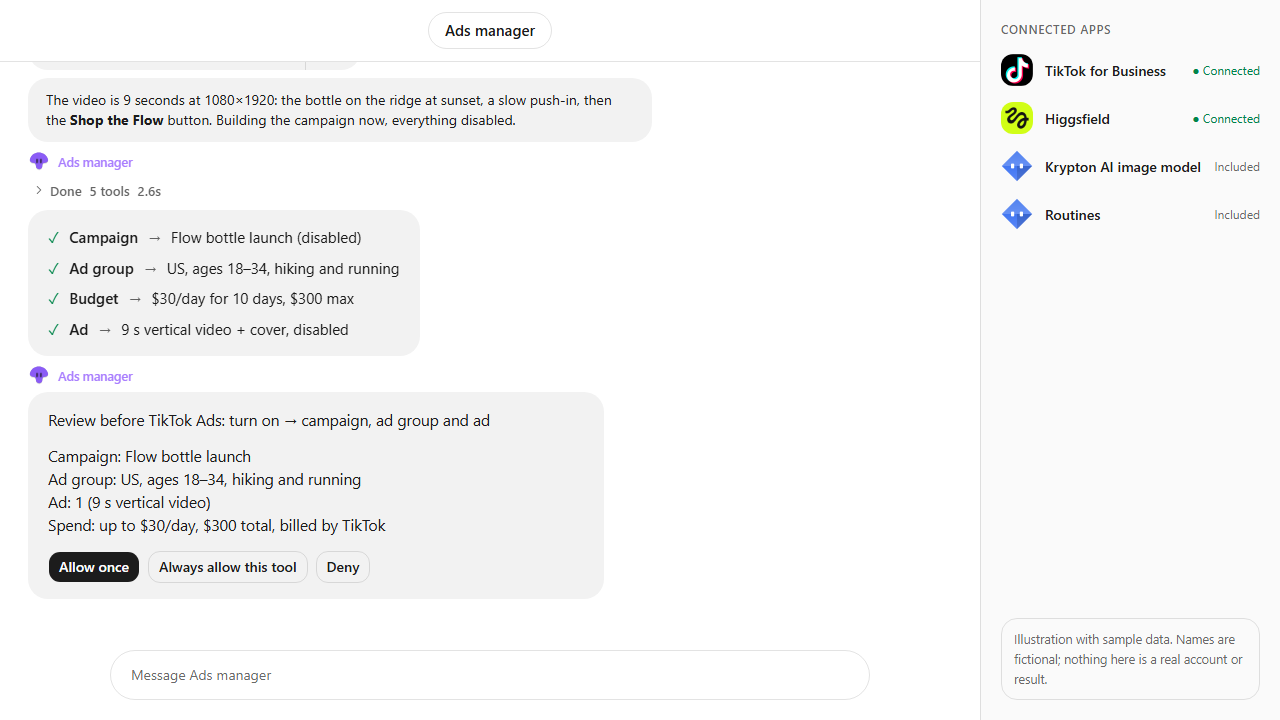
Reports TikTok ad group results and raises the budget of the ad group that converts best, after your approval.
RoutinesBuilt in
Runs the report every Monday at 8:00 without you asking, and posts it in chat.
Included in Krypton, nothing to connect
How to set it up in Krypton
Connect the ad platforms
In Krypton, open Integrations and connect Google Ads, Meta Ads and TikTok for Business with the accounts that manage your ads. Confirm the ad spend consent: budget changes the bot makes are billed by each platform.
Hire the bot
Open Bot Marketplace and hire the Ads manager (or the Data analyst), or ask Chief in chat to create a reporting bot. Give it the three ad apps.
Send the brief
Paste the prompt below and change the business, day, time and what counts as a conversion. The bot creates the weekly routine and runs the first report right away.
Read the report
Each Monday you get one table for all channels, a cost per conversion chart, the wasted spend it found and the budget shifts it proposes.
Approve or deny each change
The bot applies only the changes you approve in chat, or ask it for different amounts. With Approvals on in Settings, each change also waits on its own card: tap Allow once or Deny.
Every Monday at 8:00, send me one ads report for Northwind Coffee across Google Ads, Meta Ads and TikTok: spend, conversions and cost per conversion, last week vs the week before. Flag wasted spend and propose budget shifts. Change nothing until I approve.What the bot does
- Creates a weekly routine (Mondays at 8:00) and runs the first report immediately.
- Pulls campaign cost and conversions from Google Ads for last week and the week before, plus the search terms that cost money without converting.
- Pulls Meta Ads insights at campaign, ad set and ad level, including frequency to spot tired audiences.
- Pulls TikTok ad group results for the same two weeks.
- Puts all three channels in one table and charts cost per conversion side by side.
- Proposes negative keywords and budget shifts, asks you to approve each change, applies the ones you allow and reads them back.
Questions
Can the bot change my budgets on its own?
The weekly report only reads. Budget changes and negative keywords are proposals: the bot applies only the ones you approve in chat. With Approvals on in Settings, each change also waits on its own card, and you can deny any of them.
Does it add up conversions the same way on every platform?
It uses each platform's own conversion counts and says so in the report. Platforms attribute differently, so the bot compares trends and cost per conversion within each channel rather than claiming one total.
Are these real results?
No. The video is an illustration with sample data: Northwind Coffee is fictional and every spend, conversion and saving figure is made up to show the flow.
Can I change the schedule or add more channels?
Yes. Ask the bot in chat to move the routine, run it daily, or include another connected ad platform such as X Ads. Check each app's catalog page for the plans that include it.
More use cases
All use cases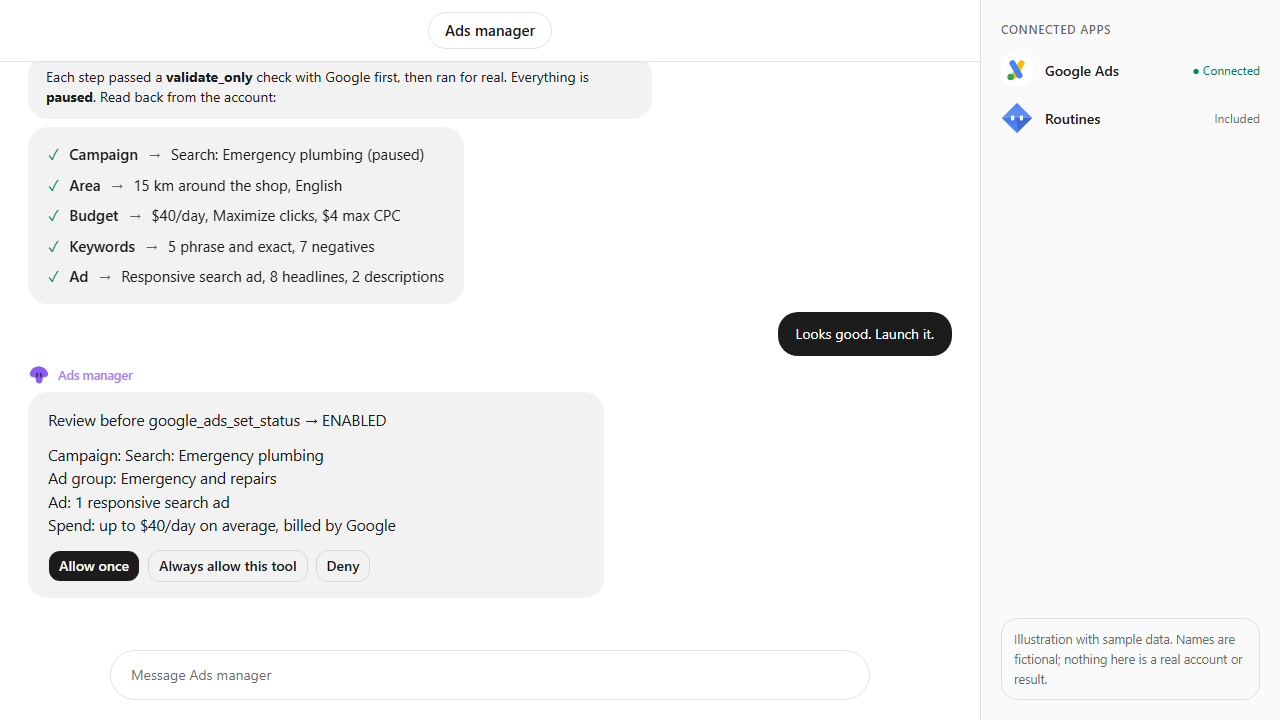
Browse every app in the MCP catalog or hire a ready-made bot from the Bot Marketplace.
Build this bot in Krypton
Start free, connect your apps and paste the prompt. X posts always wait for your OK, and so do trading orders unless you set the bot to trade on its own; turn on Approvals to review everything else first.