AI creative studio bot: ad copy, images, video and every ad size
Give one bot a product and it hands back a full ad kit: copy written by Krypton AI on Opus 5.5, an image from the Krypton AI image model, a short Higgsfield video and Canva copies in each social size, all saved as artifacts you can open again.
 Higgsfield
 Canva
 Krypton AI (Opus 5.5)Built in
- Krypton AI image modelBuilt in
Approvals. X posts always ask first, and so do trading orders unless you set a Binance or Polymarket bot to trade on its own within its limits. Other actions ask only when Approvals are on in Settings; on Never ask, the krypton.bot default, they run without asking.
Apps used
Higgsfield
Makes the short vertical video for Reels, Stories and TikTok, with your own Higgsfield account and credits.
Canva
Imports the image as a design, resizes it into each ad format and exports the files. The original design stays untouched.
Krypton AI (Opus 5.5)Built in
Writes the headlines, captions and calls to action, and plans the whole kit.
Included in Krypton, nothing to connect
Krypton AI image modelBuilt in
Draws the square image from the bot's brief.
Included in Krypton, nothing to connect
How to set it up in Krypton
Pick the model
In Krypton, open the bot's settings and choose Opus 5.5 through Krypton AI (or your own provider). It writes the copy and runs the whole kit.
Connect Higgsfield
Open Integrations, pick Higgsfield and sign in with your own Higgsfield account. Videos use your Higgsfield credits. Skip it if you only need images.
Connect Canva
Pick Canva in Integrations and sign in with your Canva account, so the bot can import designs and make resized copies in it.
Hire the bot
Open Bot Marketplace and hire the Social media manager, or ask Chief in chat to create a creative bot. Give it the Higgsfield and Canva apps.
Send the brief
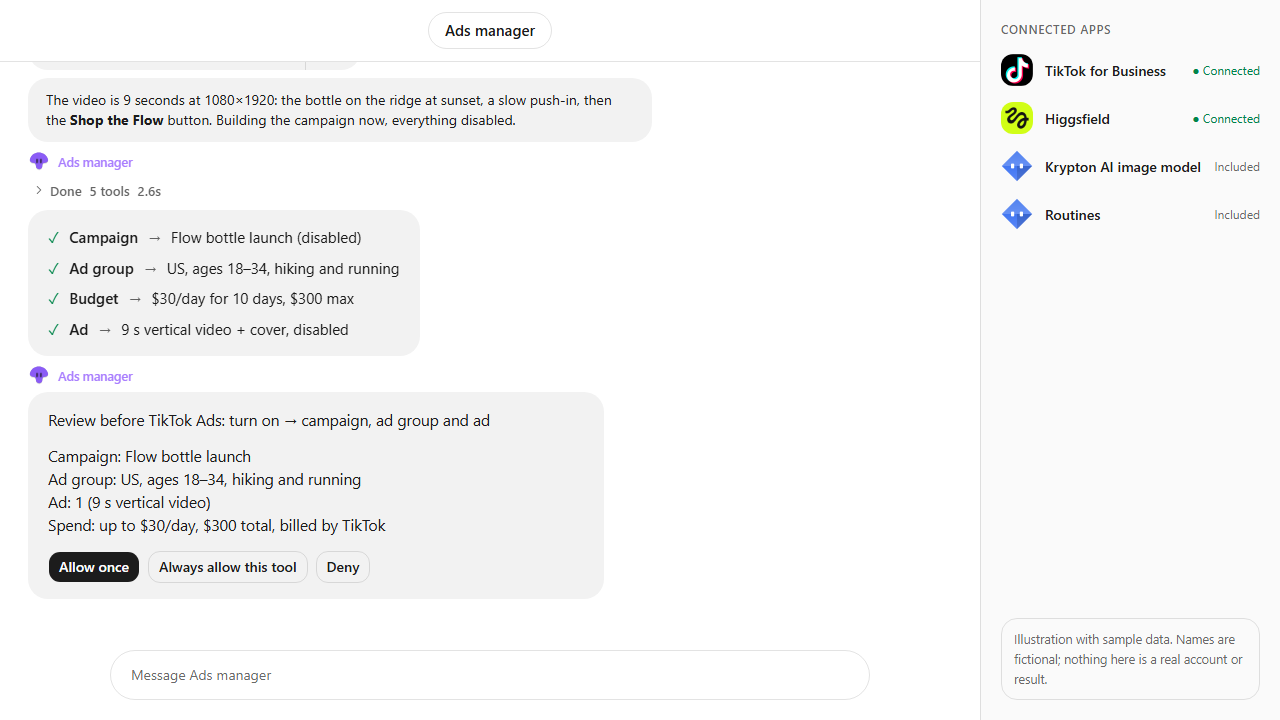
Paste the prompt below and change the product, tone and sizes. With Approvals on in Settings, the bot shows a card before it spends Higgsfield credits on a video.
Open the artifacts
The image, video and the creative kit page are saved in the chat's Artifacts tab. Ask for changes and the bot saves a new version of the same artifact.
Make a spring ad kit for Contoso Tea's new iced matcha: 3 headline and caption options, one square image, a 6-second vertical video, and Canva versions for Instagram story, Facebook post and LinkedIn post. Save everything as artifacts.What the bot does
- Writes three headline, caption and call-to-action options with Krypton AI on Opus 5.5.
- Draws the square image with the Krypton AI image model.
- Makes the 6-second vertical video with Higgsfield and waits for it to finish. With Approvals on in Settings, it shows a card before spending your Higgsfield credits.
- Imports the image into Canva and makes a resized copy per format: Instagram story, Facebook post and LinkedIn post.
- Exports each Canva size and keeps the edit links, so you can fine-tune in Canva.
- Saves a creative kit page with the copy, files and links as an artifact, and updates it as a new version when you ask for changes.
Questions
Does the bot publish the ads?
No. This bot only makes the creative kit. Publishing or running ads is a separate step with an ad app, such as Meta Ads, which you connect and ask for yourself.
Who pays for the video?
Higgsfield, connected with your own account, makes the video from your Higgsfield credits. With Approvals on in Settings, the bot shows a card first and you can deny it; on Never ask, the krypton.bot default, it makes the video when you ask for one.
Does resizing change my original Canva design?
No. Canva makes a new copy for each size and leaves the original as it was. You get an edit link for every copy.
Where are the files saved?
In the chat's Artifacts tab. Asking for a change with the same name saves a new version of that artifact instead of a separate file.
Is the video a real campaign?
No. It is an illustration with sample data: Contoso Tea is fictional, and the copy, image and files are made up to show the flow.
More use cases
All use cases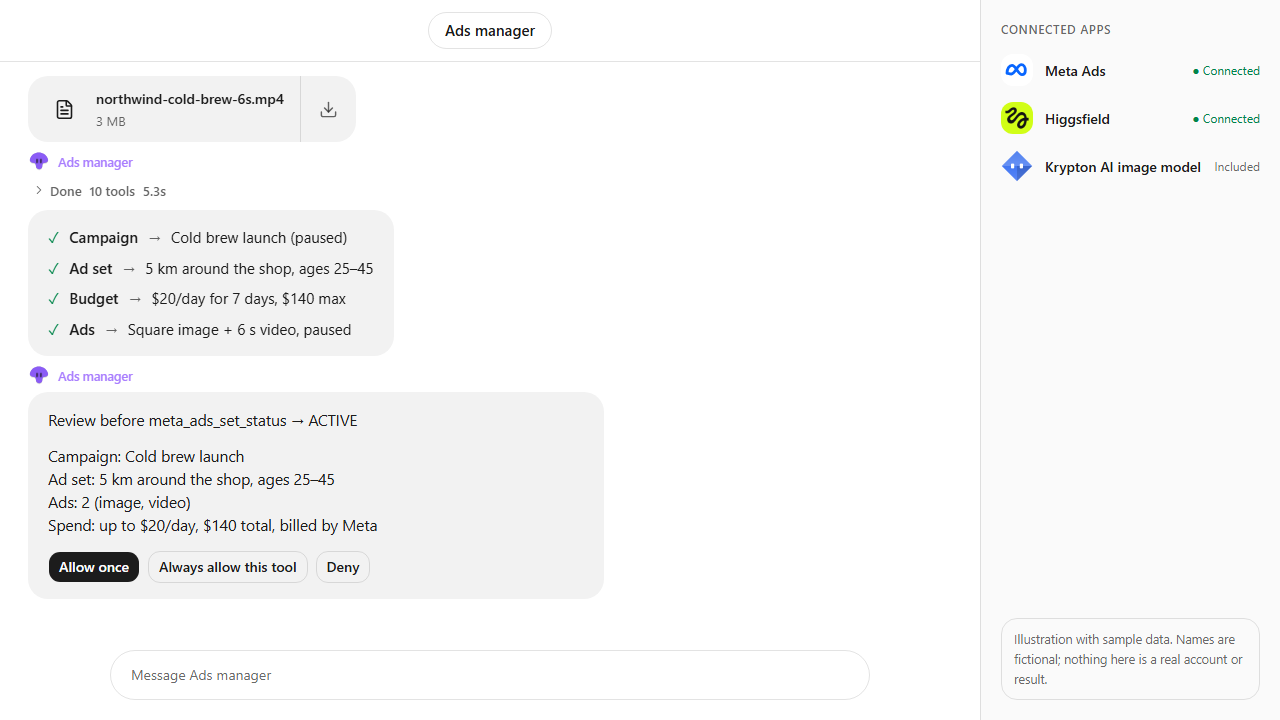
Browse every app in the MCP catalog or hire a ready-made bot from the Bot Marketplace.
Build this bot in Krypton
Start free, connect your apps and paste the prompt. X posts always wait for your OK, and so do trading orders unless you set the bot to trade on its own; turn on Approvals to review everything else first.