Research bot with memory: a weekly market briefing that knows your company
Tell the bot about your company once. It keeps that context in long-term memory, researches the web with Exa every Monday, files the briefing in Notion, and asks you before it emails your team.
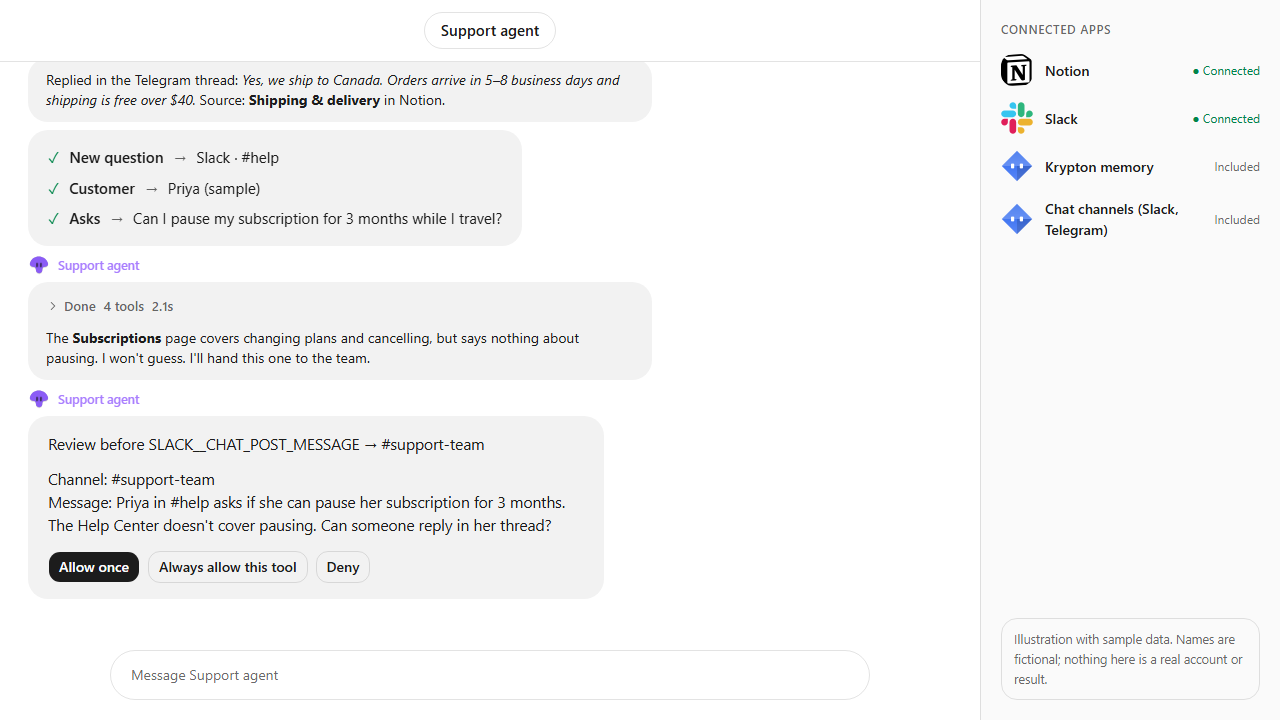
Approvals. X posts always ask first, and so do trading orders unless you set a Binance or Polymarket bot to trade on its own within its limits. Other actions ask only when Approvals are on in Settings; on Never ask, the krypton.bot default, they run without asking.
Apps used

Exa
Searches recent news, company pages and papers, reads the best results and finds similar companies.

Notion
Finds your Market briefings page and adds each week's briefing under it.
Gmail
Drafts the summary email and sends it to your team after you approve.

Semantic memory (Supermemory)Built in
Keeps your company, rivals and past findings, and recalls them by meaning in every later run.
Included in Krypton, nothing to connect
Skills and routinesBuilt in
Saves the briefing steps as a reusable skill and runs them every Monday on a routine.
Included in Krypton, nothing to connect
How to set it up in Krypton
Use a plan with memory
Semantic memory (Supermemory) is in Pro and Max. On Free the bot still keeps plain memory notes and skills, without recall by meaning.
Connect Exa, Notion and Gmail
In Krypton, open Integrations and add Exa for research, Notion for the briefing pages and Gmail for the summary email. Each one asks you to sign in or confirm its consent once.
Hire the bot
Open Bot Marketplace and hire the Data analyst, or ask Chief in chat to create a research bot. Give it the Exa, Notion and Gmail apps.
Tell it about your company
Paste the prompt below with your own company, market, rivals, Notion page and team address. The bot saves that context to memory, so you only say it once.
Approve its changes
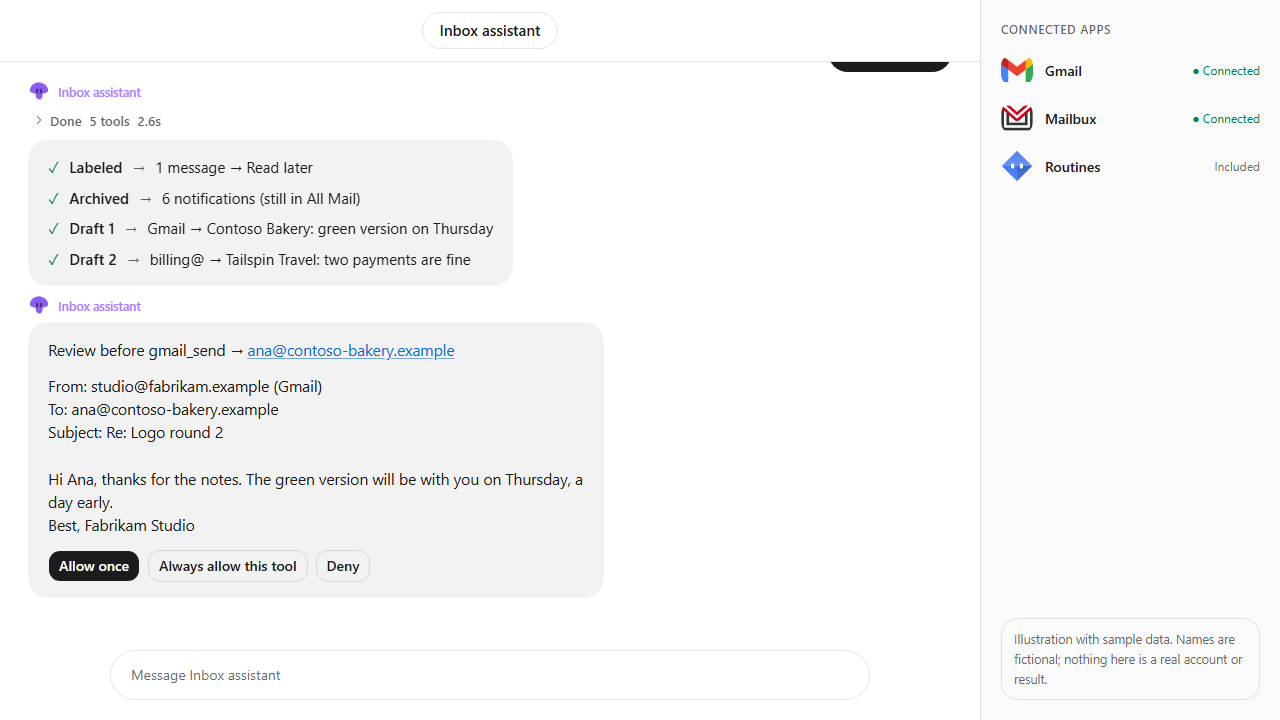
With Approvals on in Settings, Krypton asks before the bot changes anything in your apps: adding the Notion page, saving the Gmail draft and sending the email. In the video, the Notion page and the draft were already set to Always allow this tool, so only the send asks, and nothing is sent until you tap Allow once.
Let the routine run
The bot saves its steps as a skill and sets a Monday routine. Ask it anything about past briefings later; it recalls them from memory.
Every Monday, research our market and brief me. Context: we are Contoso Robotics, we sell warehouse picking robots to mid-size logistics firms in Europe; main rivals are Fabrikam Automation and Litware Robotics. Remember this, save each briefing to our Notion page Market briefings and email a summary to leadership@contoso.example. Ask me before sending.What the bot does
- Saves your company, market and rivals to long-term memory, and checks memory first so it never asks twice.
- Searches recent news, company pages and papers with Exa, reads the best sources and looks for new similar companies.
- Writes a short briefing: what changed, why it matters to you, and the source link for every point.
- Adds the briefing to your Notion Market briefings page.
- Drafts the summary email and asks for your approval before it sends anything.
- Saves the flow as a skill, runs it every Monday on a routine, and answers questions about past findings from memory.
Questions
What does the bot remember, and can I change it?
Facts it saves with its memory tools: your company, rivals, preferences and past findings. You can edit or forget any memory on the Memories page, and the bot can forget a fact that turns out wrong.
Can the bot email my team without asking?
No. Sending email goes through an approval card in chat, and so do Notion pages and Gmail drafts unless you chose Always allow for that tool. You can allow it once, deny it, or ask for changes to the draft first.
Where does the research come from?
From Exa web search and the pages the bot reads. Each point in the briefing links to its source, so you can check it.
Is the briefing in the video real?
No. It is an illustration with sample data: Contoso Robotics, its rivals and every finding are made up to show the flow.
Which plan do I need?
Semantic memory is in Pro and Max. Check each app's catalog page for the plans that include it.
More use cases
All use cases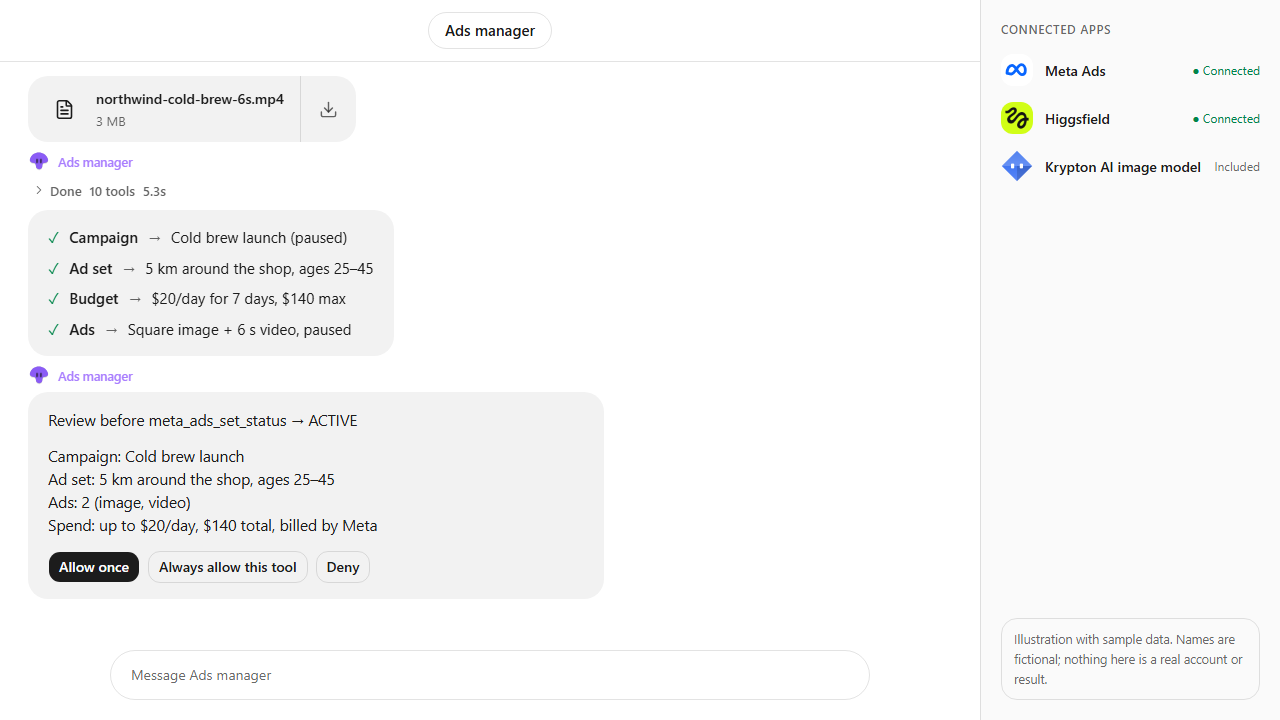
Browse every app in the MCP catalog or hire a ready-made bot from the Bot Marketplace.
Build this bot in Krypton
Start free, connect your apps and paste the prompt. X posts always wait for your OK, and so do trading orders unless you set the bot to trade on its own; turn on Approvals to review everything else first.